
How it works
Storage Without the Hassle
Four steps, all online. No desk to visit and no keys to collect.
- 01
Choose Your Storage
View available storage and select the option you need.
- 02
Book & Pay Online
Complete your details and pay securely online by card through Stripe or set up Direct Debit.
- 03
Get Mobile Access
Once your booking is active, your mobile phone opens the locked gates using Bluetooth. You also get your own individual PIN code.
- 04
Move In
Drive to the Adlington facility, open the gates with your phone or PIN and start storing.
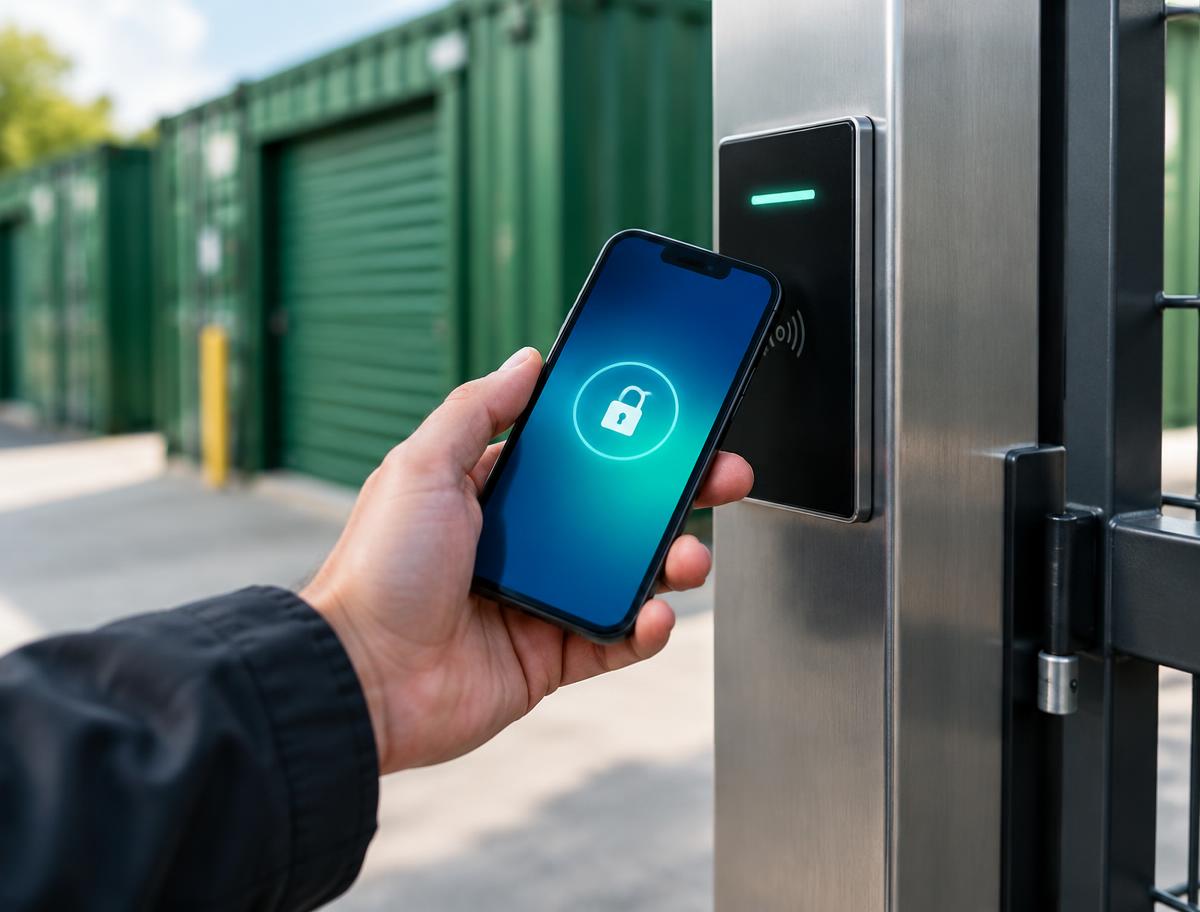
How phone access works
Once your booking is active, your phone is linked to your storage. When you arrive at the Adlington site, your phone connects to the access point over Bluetooth and opens the locked automatic gates.
You also get your own individual PIN code, which opens the gates if you would rather not use your phone. A linked phone or your PIN are the only ways through the gates.
If you change phones, you can move your access across. Access hours: [TO BE CONFIRMED]. Access app or supplier: [TO BE CONFIRMED].
Paying for your storage
You pay online when you book. Card payments are processed securely by Stripe, so we never see your full card details. You can also set up Direct Debit so monthly payments look after themselves.
Ready when you are.
Book online and start storing without waiting around.